Control from phone & browser
Riftcast detects your device automatically: touch gestures on your phone, real mouse and keyboard in a desktop browser — including every shortcut like Ctrl+C or Alt+Tab.
REMOTE DESKTOP · NO CLOUD REQUIRED
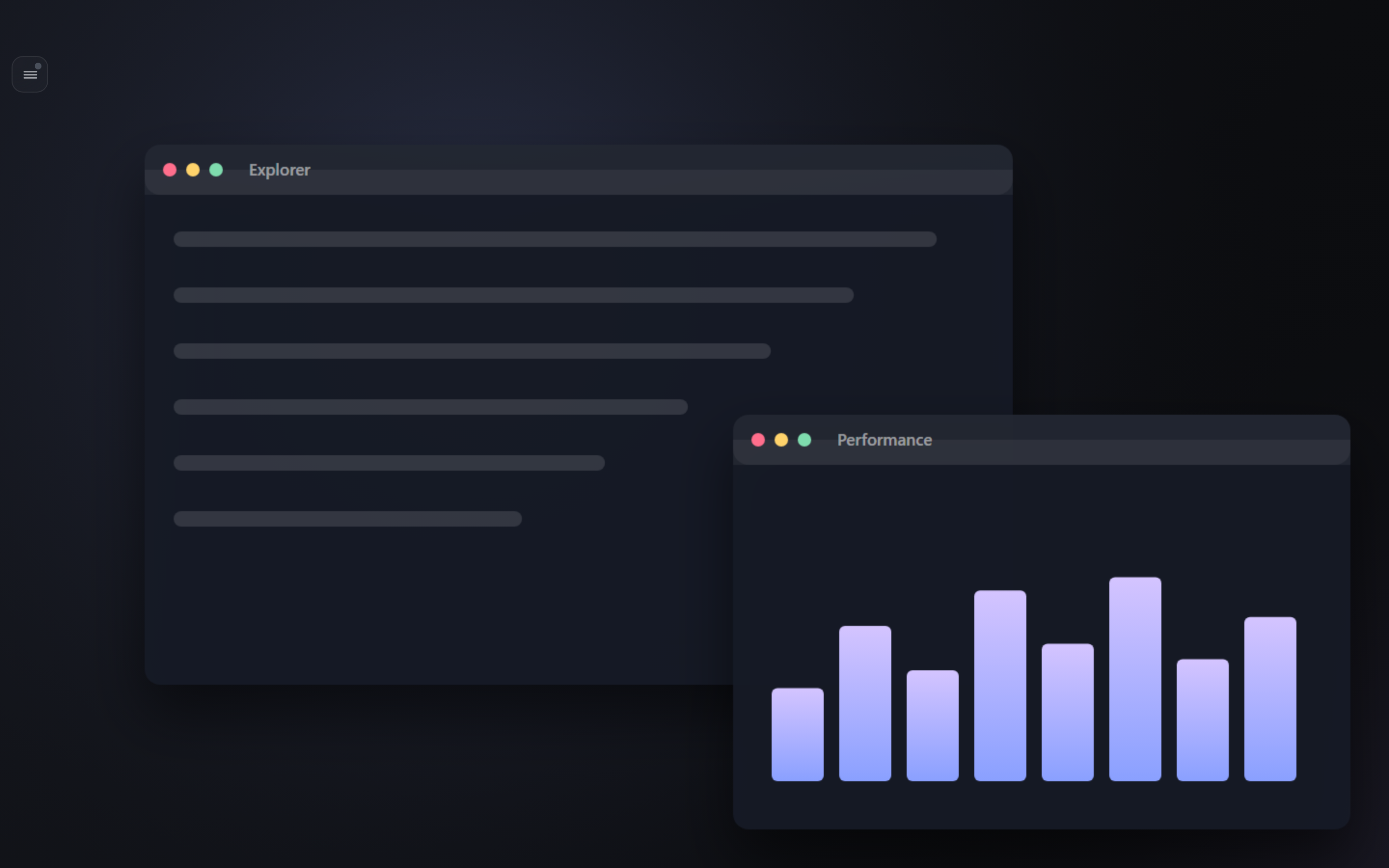
Riftcast mirrors your Windows PC live to your phone and any browser — watch, control, and game. On your own Wi-Fi, or from anywhere over a private tunnel.
FEATURES
Riftcast detects your device automatically: touch gestures on your phone, real mouse and keyboard in a desktop browser — including every shortcut like Ctrl+C or Alt+Tab.
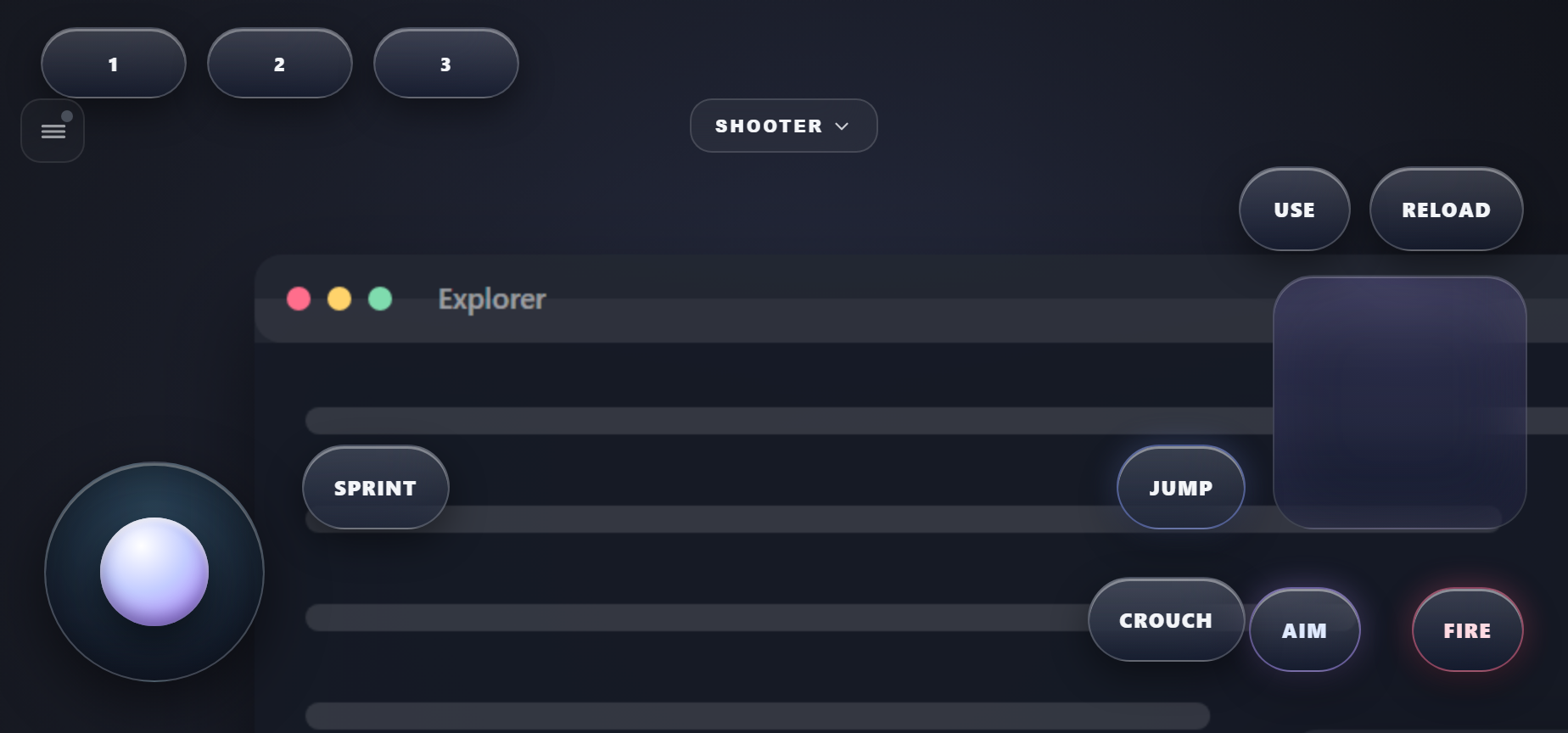
An on-screen gamepad with four layouts (Shooter, Controller, MOBA, Racing), pointer-lock aiming for FPS in the browser, and automatic detection of physical controllers.
THREE SURFACES, ONE FEEL
PWA · Android app soon
Installs like an app. Touch controls, gamepad and zoom.
Windows
One double-click on your PC: starts the server & helper and shows how to connect.
Any computer
Nothing to install on the work PC — just open the address.
IN UNDER A MINUTE
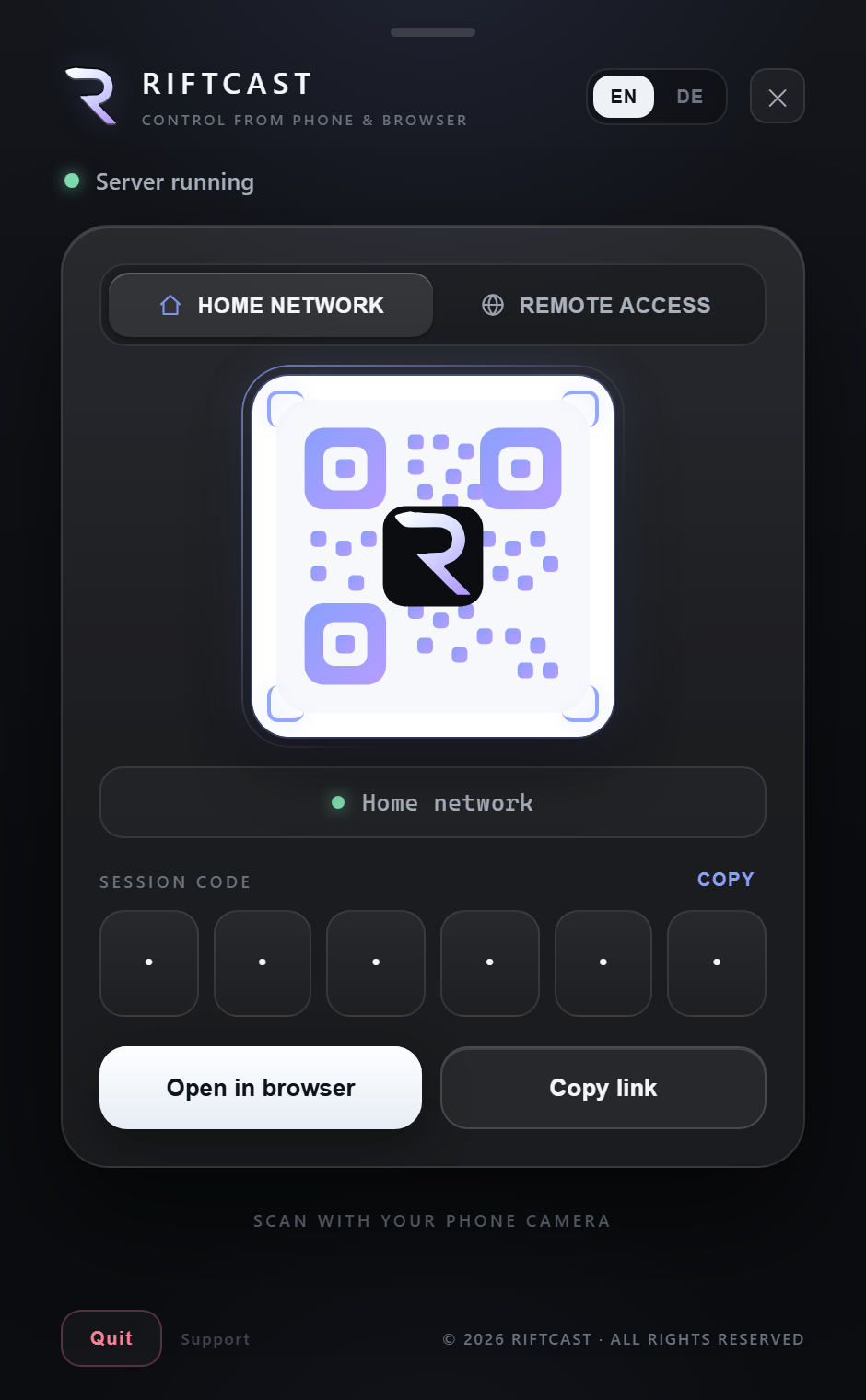
One double-click starts everything and shows the connection screen on your PC.
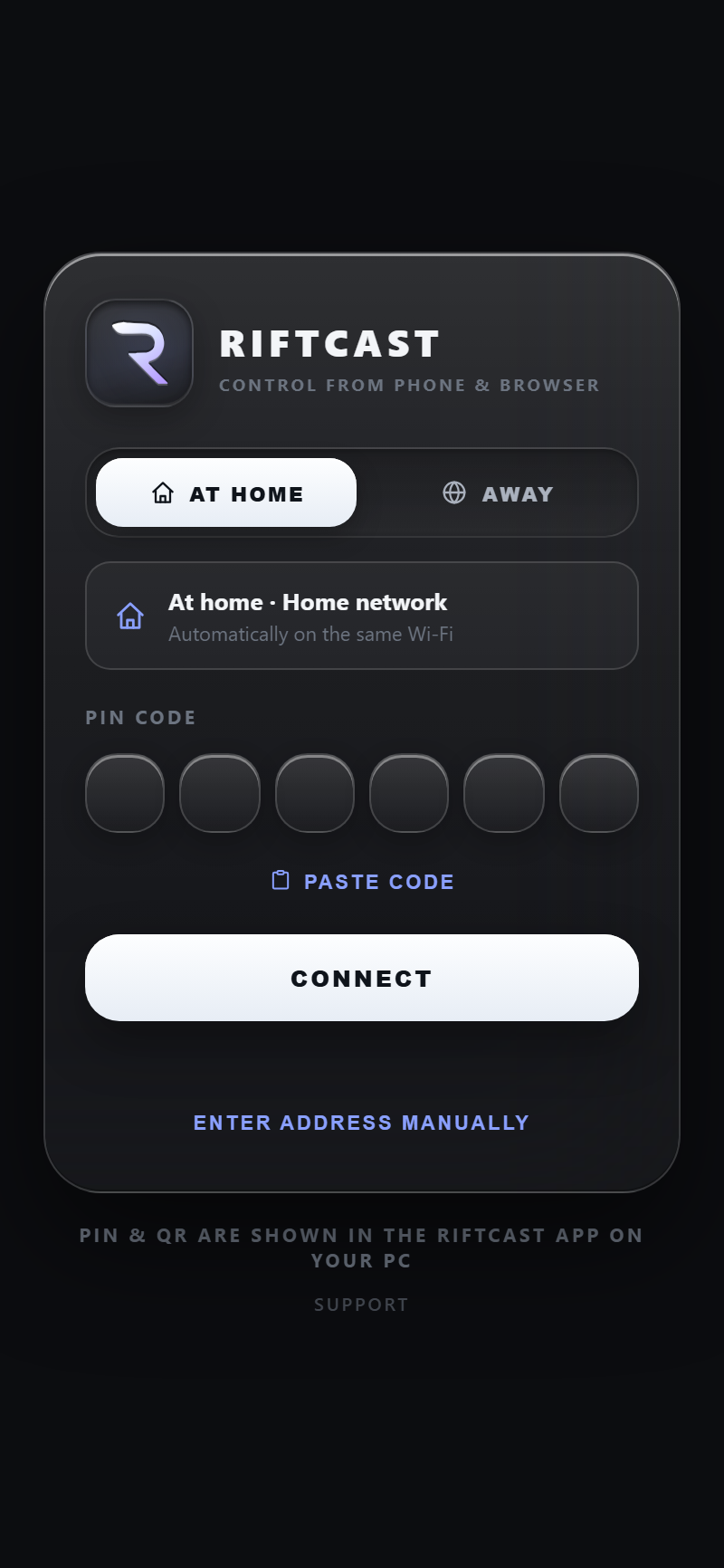
Scan with your phone camera, or open the app and enter the session code from your PC.
Your PC screen appears live. Mouse, keyboard, gamepad — everything responds instantly.
Free, no account, on your own network.
PRIVACY
Riftcast does not require an account. Screen, audio, and control stay between your devices on your network. Optional remote access uses a private tunnel you enable; we do not operate a cloud that stores your sessions. The website may see standard server logs (IP, browser) when you download the installer — nothing from the desktop app is sent to us.